
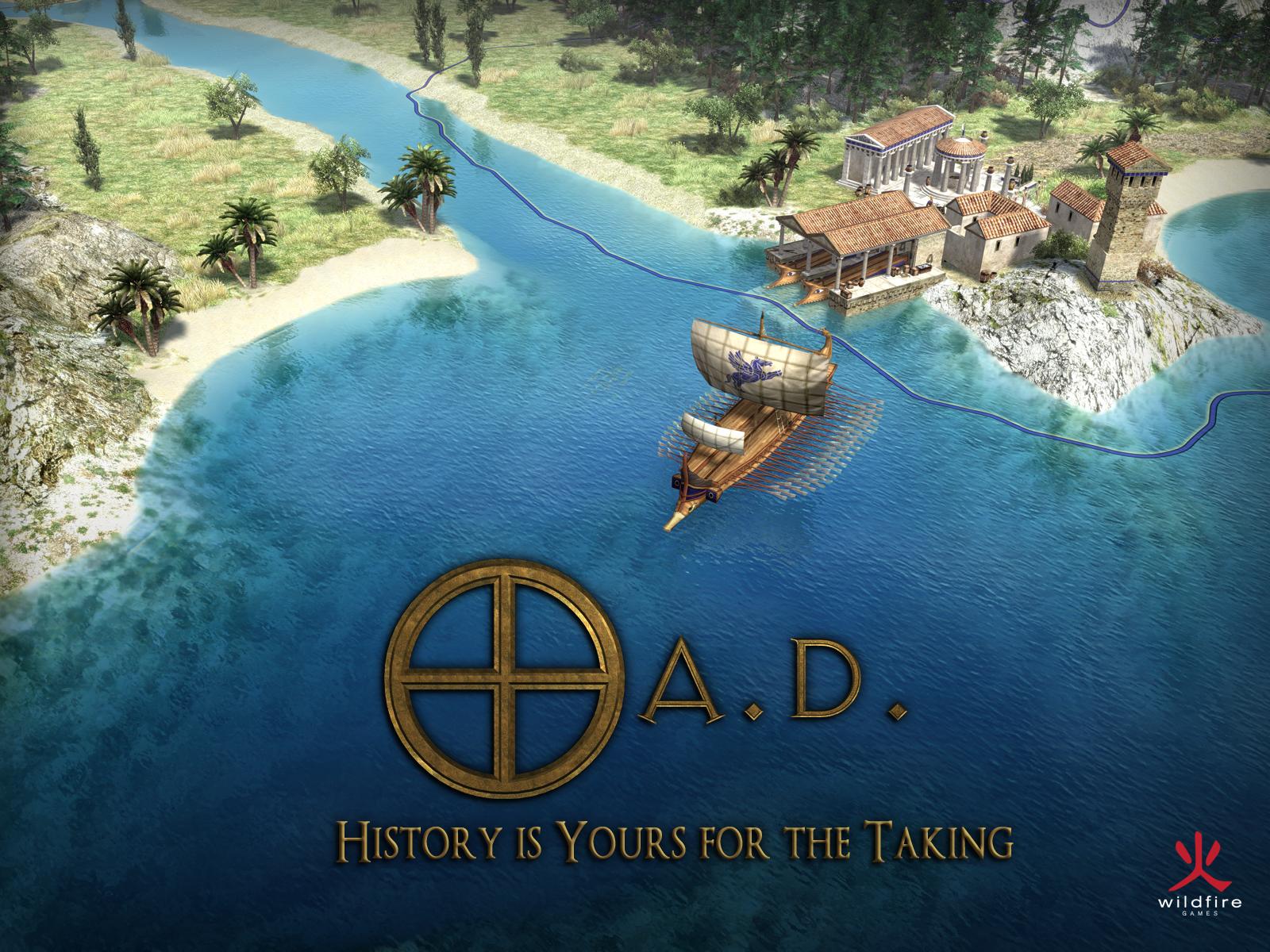
About 0 A.D.
0 A.D. is a real-time strategy game developed by Wildfire Games, an international team of contributors. You lead a civilization inspired by antiquity and organize its development on a three-dimensional map. Building a base, gathering resources and protecting your units are parts of the same match. The game belongs to the category of games. This page covers the Windows edition and its installers for compatible computers, with particular attention to the requirements of the current release rather than those of an earlier version.
Release 28 is named Boiorix. It introduces a Germanic faction and is the project's first release without the Alpha label. This change does not make the game a paid product. The download remains free, without an integrated store or a freemium model. Code and artwork are distributed under separate free licenses.
You can learn against an artificial intelligence opponent or participate in multiplayer matches. Some units combine economic work with combat, linking military decisions directly to your city's production. Buildings, technologies and movements therefore need regular attention. 0 A.D. suits players who enjoy this continuous coordination rather than a succession of separate turns. Your settlement and its opponents continue operating while you decide which task to address next.
Keep units working without leaving the base undefended
An army and an economy are not always separate concerns in 0 A.D. Citizen soldiers can gather resources before joining a fight. Sending the entire group to the front therefore changes your production as well. Start by observing ongoing tasks before assembling another force. Keep units available to build and support the development of your base. Civilians occupy a different place in this arrangement. Release 28 uses male and female models for these economic units. Their new name and appearance do not mean that every unit now performs the same role or can simply replace another in your plan.
Read the map before expanding your settlement
Available resources, access routes and neighboring positions influence how your city develops. Scout the surroundings before putting up many buildings. The territory system marks the areas where construction is generally allowed and changes as buildings are added or lost. There are exceptions depending on the structure and faction. The new Germanic faction, for example, has a more mobile economy based on wagons and encampments. Learn one civilization before repeating exactly the same opening with another. Terrain and selected conditions may make that routine unsuitable. Also consider the paths your working units must travel as you decide where to expand.
Set up a first match you can keep track of
To learn the controls, choose a limited encounter rather than a map immediately filled with numerous armies. A match against artificial intelligence lets you observe the connections between gathering, construction and recruitment. Examine the map settings and victory conditions before starting. Release 28 adds options including a population limit per team. These change the framework of a match without replacing the rules governing individual units. Reuse a familiar configuration to compare your decisions between attempts. It becomes easier to identify what slows your progress or leaves your base exposed when you are not changing all the conditions at once.
Arrange a match using the same rules
The game offers a multiplayer lobby and a direct connection by IP address. The latter can be used for matches organized on a local network. Before looking for a game, compare versions and enabled modifications with the other players. A different set of files can prevent a match from working correctly. The lobby and the match itself serve different purposes: game communication goes through its host. The quality of that host's connection therefore matters too. Before updating, disable older mods and check their compatibility with the new release. Only then restore the shared configuration you intend to use together.
Assess requirements beyond the download size
Release 28 officially supports Windows 10 and Windows 11. Its 32-bit and 64-bit installers do not restore compatibility with Windows 7 or 8.1. The developer lists at least 2 GB of memory and 4 GB of disk space, with a 3 GHz x86-compatible processor. These figures do not promise identical performance in every battle. Unit counts, players and the map affect simulation load. On a limited computer, first try a small encounter and lower graphics settings. Check drivers and the required OpenGL support as well, rather than assuming that any particular display issue comes from the game alone.
Choose another pace with The Battle for Wesnoth
The Battle for Wesnoth, already in the catalog, may suit you if you prefer deciding your movements turn by turn. It has a fantasy setting and battles on a hexagonal grid. 0 A.D. instead combines city development with simultaneous military operations in an ancient setting. The difference therefore concerns both pace and theme. Compare these approaches according to how you like to play, without expecting identical campaigns or units. Also read the requirements on each product page. A game's being free does not by itself establish how well it will behave on an older computer during your chosen match.
Key features
- Develop an ancient city during simultaneous military encounters.
- Assign citizen soldiers to work and then combat.
- Choose a civilization with distinctive buildings and technologies.
- Explore the Germanic faction introduced in Boiorix.
- Prepare matches against an artificial intelligence opponent.
- Join a lobby or connect directly by IP.
- Set a population limit for each participating team.
- Create maps using the included Atlas editor.
System requirements
Windows 10/11; x86 32-bit and x64 64-bit installers; 3 GHz x86-compatible processor; 2 GB RAM; 4 GB disk space; OpenGL 2.1 with 128 MB graphics memory; minimum 1024×768 display.
Questions and answers
Is 0 A.D. free, or do I need to buy units?
The game is free, and its developer states that it does not use a freemium model. There is no integrated store for purchasing advantages. Donations support the project without being a condition for access to the civilizations included in the game.
Does Release 28 run on Windows 7?
No. This release's announcement identifies Windows 10 and 11 as the only supported Windows versions. The presence of a 32-bit installer does not change that requirement. Do not confuse the requirements of older versions with those of the Boiorix release.
Why does this version no longer have the Alpha name?
Wildfire Games presents Release 28 as its first release without that label. The number and the name Boiorix identify this version. Development continues, however, and changing the name is not a promise that the game has no remaining defects.
Why can a large battle slow down?
Numerous units and the simulation increase the work required from the processor. Graphics effects and network connectivity can introduce other limits. Compare a small local game with your usual match before attributing every slowdown solely to the capabilities of the graphics card.
Why can I not see my friend's match?
First compare your versions and enabled mods. Then check that you are using the same connection mode and, for the lobby, a compatible release. A direct connection also requires checking the host's address and the configuration of the network.
How to install
- Check that your computer runs Windows 10 or 11, then choose the 32-bit or 64-bit installer matching your system.
- Run the downloaded EXE file and continue from the setup wizard's welcome screen.
- Keep the game and data files selected among the components. Source code is optional and is not needed to play.
- Choose the installation directory and Start menu folder, then start copying the files.
- At completion, choose whether to create a desktop shortcut and launch the game, then finish the wizard.
Appbunda is an independent catalog and is not affiliated with the developer. Product names and logos belong to their owners. Always check the file source before installing.