
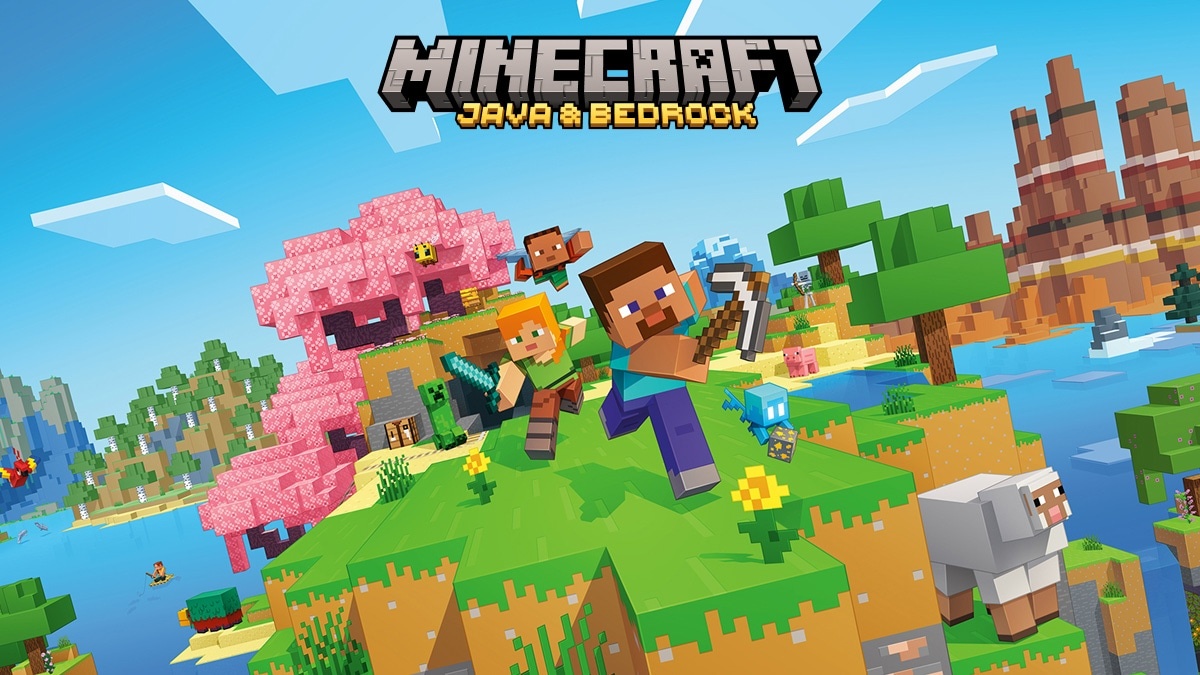
About Minecraft: Java & Bedrock Edition
Minecraft: Java & Bedrock Edition is the PC offering from Mojang Studios which brings together two editions of Minecraft. You explore worlds made up of blocks, collect resources and build according to the rules of the chosen mode. This category game guide concerns use under Windows. Survival mode gives space to resources, dangers and crafting; Creative mode favors construction with direct access to materials and suitable travel possibilities.
Java Edition and Bedrock Edition share this general idea, but their ecosystems differ. Java is particularly suitable for community modifications and servers designed for this edition. Bedrock, called Minecraft for Windows on PC, allows you to play with other Bedrock users on compatible platforms. Worlds, expansions and servers should not be considered identical between the two. Before a game with friends, choose a common edition and check the necessary content.
The Minecraft Launcher is used to find games associated with your Microsoft account and manage their launch. Purchasing the base game does not mean that all Marketplace content or Realms subscriptions are included. See the exact offering and requirements for each edition, as the hardware needs of Java and Bedrock are different.
Agree on an edition with your friends
Ask your friends which edition they use before creating a world for the group. Java Edition joins compatible Java servers, while Bedrock organizes its shared game with other supported Bedrock installations. The name Minecraft alone is not sufficient to establish this compatibility. Also check the version of the game and any content requested by the server. Once this choice is made, use the launcher to open the correct edition. This avoids developing a world for a long time assuming that it will be directly accessible from any device or from the other edition provided in the PC offer.
Start Survival with a small goal
A first session becomes easier to plan if you choose a concrete objective: find a location, prepare a shelter and organize basic resources. The world does not impose a single way of building on you, but its dangers make preparation worthwhile. Keep useful tools and avoid leaving with all your important materials during an unknown exploration. When you go underground, plan how to find your way back. Progress depends as much on organization as on discoveries. You will be able to scale up your projects when you understand how resources, movement, and crafting work.
Use Creative mode for building
Creative mode allows you to focus your attention on the shape of a building, the layout of a landscape or a mechanism. Prepare a test area to compare materials before using them anywhere. If you are building with others, agree on the scale and reserved spaces so that the projects come together properly. Technical possibilities may depend on the edition and version. A mechanism observed in a Java guide does not necessarily work the same way in Bedrock. So note this context when following a tutorial and keep a copy of the world before major changes.
Separate Java mods from Bedrock content
The community modifications of Java and the proposed contents of Bedrock belong to different systems. Before adding a package, check the edition, version, and any dependencies. Marketplace purchases do not automatically result in a usable version in Java. Likewise, a Java mod does not install like Bedrock content. Keep the installation simple to test for an issue and copy your worlds before changing components. To play on a modified server, all participants may need a consistent set of files. Follow the server's directions without mixing guides designed for other environments.
Understand hosting options and purchases
You can play alone, join a compatible server or use sharing possibilities adapted to your edition. Realms offers subscription hosting separate from the basic purchase. The Bedrock Marketplace also contains content whose conditions vary. First determine what your group needs: a world shared locally for a few sessions, a participant-administered server, or hosting available without this computer. A subscription is not essential to build alone. Check the renewal terms and what's included before choosing a service, especially if your goal is limited to a few sessions with friends.
Compare with Terraria and Roblox
Terraria combines construction and exploration in a two-dimensional world, with significant progression through equipment and combat. Roblox provides access to different experiences created on a common platform. Minecraft focuses on blocky worlds that you transform into a chosen edition. If you want to develop a personal territory over time, compare the building and survival mechanics. If you're mostly looking for a two-dimensional adventure, Terraria may be a better fit. To switch between experiences with varied rules, Roblox offers another way of playing with the same application.
Key features
- Explore generated worlds composed of blocks.
- Build freely in the game's Creative mode.
- Collect materials and craft your equipment.
- Choose Java Edition or Minecraft for Windows.
- Join servers compatible with your edition.
- Share Bedrock worlds with compatible platforms.
- Add content according to their edition and version.
- Find your purchases from your Microsoft account.
System requirements
Bedrock: Windows 10 build 19041+; ARM/x64; RAM 4 GB; 4 GB disk. Java: Windows 10 64-bit or Windows ARM; x64/ARM64; RAM 8/12 GB depending on GPU; 2 GB disk.
Questions and answers
Does the PC bundle contain Java and Bedrock?
Yes. The Minecraft: Java & Bedrock Edition offer brings together the two editions for PC. They remain distinct in their operation and content. Connect the launcher to the Microsoft account that owns the game to find the editions included in your purchase.
Can Java join a friend directly on Bedrock?
The two editions do not directly share the same official game servers. Choose an edition compatible with that of your friends. Particular community solutions should not be confused with guaranteed native compatibility for all worlds and content.
Do you have to pay Realms to play alone?
No. Realms is a subscription hosting option. Solo play and local world creation do not require this subscription. Marketplace purchases and other paid services also have separate conditions from access to the base game.
What edition is Minecraft for Windows?
Minecraft for Windows means Bedrock Edition on PC. Java Edition can also be used on Windows, but is another choice in the launcher. Check this distinction when looking for an extension, server, or instructions for joining friends.
Are the minimum configurations of Java and Bedrock the same?
No. The official requirements list 4 GB of RAM for Bedrock. Java needs 8 GB when using a dedicated GPU, rising to 12 GB for integrated graphics. Check the graphics requirements for your edition before installing the game or adjusting its settings.
How to install
- Download Minecraft Launcher from the official website or the Microsoft Store listing indicated by Mojang.
- Install the launcher, open it and log in to the Microsoft account that has the Minecraft: Java & Bedrock Edition offer.
- Choose Java Edition or Minecraft for Windows depending on the edition you want and install its files.
- Launch the selected edition, create a local world, or join a server compatible with your version.
Appbunda is an independent catalog and is not affiliated with the developer. Product names and logos belong to their owners. Always check the file source before installing.