About Microsoft Excel
Microsoft Excel is Microsoft's spreadsheet. It organizes data into cells and relates the results to entered values using formulas. This guide concerns Excel 2024 for Windows, accessible with a license that includes this edition. You can track inventory, allocate a budget or compare results from multiple periods. The sheets of a workbook allow you to separate the initial data, the calculations and the presentation of the result. This organization becomes useful when the figures change regularly and the document must be updated without redoing each operation by hand.
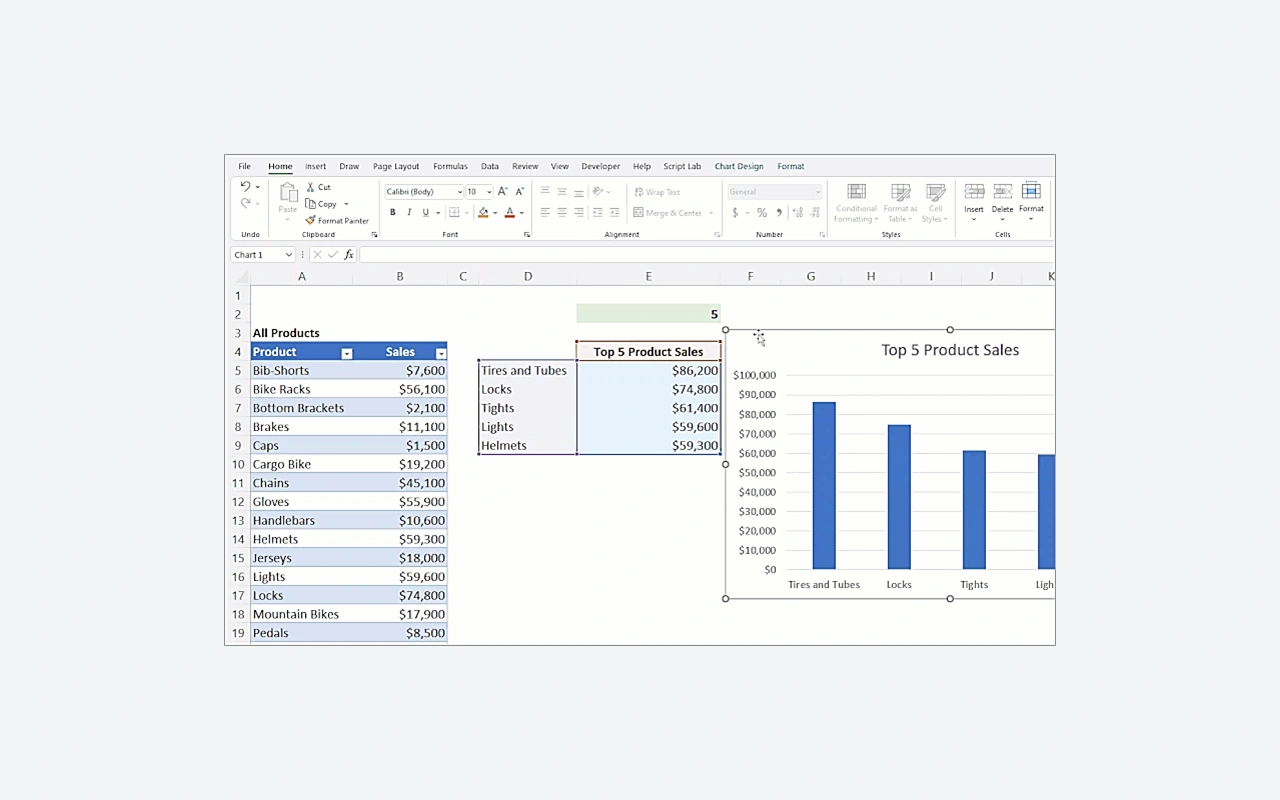
In our category selection, Excel is especially suitable for work where the consistency of the calculations is as important as the readability of the table. To track project expenses, you can record each purchase on a line, categorize the amounts, and prepare a summary chart. The result, however, depends on the quality of the data and references used in the formulas. Before downloading Excel, distinguish the 2024 edition from the versions offered with Microsoft 365. Accessible functions, associated services and licensing method may vary. Also check the files that you will need to exchange with your colleagues or partners.
Separate data from calculated results
A list becomes easier to use when each column represents precise information: date, category, quantity or amount. Avoid mixing different units in the same column. Reserve one area for entered data and another for results obtained by formula. You will then be able to correct a value without searching in several tables where it was copied. To track expenses, keep one line per transaction instead of accumulating several purchases in one cell. The filters and calculations thus remain usable when the number of records increases and a different person must understand the construction of the workbook.
Check references before copying a formula
A formula can use values from other cells. When you copy it, some references move while the absolute references remain fixed. This difference is essential to apply a common rate to several lines. First test the calculation on a few values for which you know the expected result. Then check the first and last lines of the filled area. A correctly written formula can still target the wrong cell. To make the workbook more understandable, add clear titles and separate editable assumptions from results. You will facilitate corrections when the rate, period or quantities change.
Summarize a list without copying each total
Pivot tables allow you to group data and calculate summaries according to several criteria. For example, you can compare expenses by category and month. First prepare a regular source with identifiable headers and consistent values. After modifying the list, check that the summary uses the expected data and update it if necessary. A plausible total may hide forgotten lines or amounts saved as text. Compare the result with a simple check on the source. Choosing a chart comes next, when the groupings actually answer the question you're asking.
Submit a workbook that remains understandable
XLSX format preserves sheets, formulas, and workbook layout. A CSV export meets another need: exchanging tabular data with software that expects delimited text. It does not retain all the functions of an Excel workbook. Before transmitting a file, specify which sheet contains the useful data and which cells can be modified. For consultation without calculation, a PDF copy may be sufficient. Test the result on the recipient if their environment differs from yours. Separators, dates and numbers require particular attention when communicating between different software or languages.
Check your edition and PC requirements
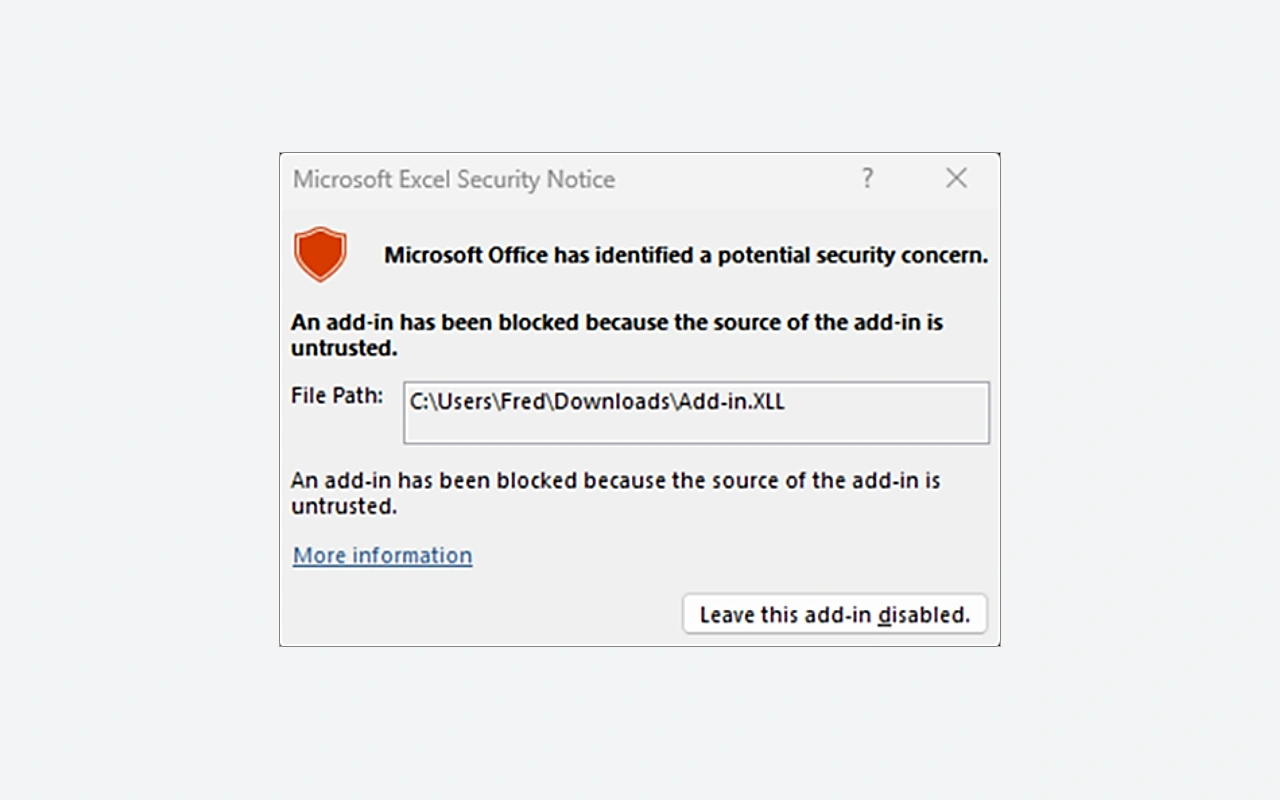
Excel 2024 requires a suitable license; Excel supplied with Microsoft 365 depends on a subscription plan. The services and new features presented for Microsoft 365 are not automatically included in the 2024 edition. Microsoft currently indicates Windows 11, 4 GB of memory and 4 GB of storage available for Office 2024 applications. These requirements do not guarantee the same comfort with all workbooks. A large volume of data, calculations or connections may increase requirements. Keep a copy of the file before a major transformation and check the add-ins used when changing architecture or workstation.
Compare Excel with other tools in the catalog
LibreOffice includes Calc, another spreadsheet to try with representative examples of your files. Check formulas, charts, and special functions rather than just opening the document. Microsoft Word is more suitable for a primarily written report, although it may contain tables. Microsoft PowerPoint allows you to present a summary to an audience. In a complete project, Excel can prepare the figures that populate these documents. However, keep an identified source to avoid several contradictory copies. Choose the tool according to the action expected of the recipient: recalculate the data, read an analysis or follow an oral presentation.
Key features
- Organize data across multiple spreadsheets.
- Formulas relating results to reference cells.
- Filters to examine a subset of the data records.
- Pivot tables to group data.
- Graphs to present comparisons and developments.
- Cell formats to display values correctly.
- XLSX workbooks retain calculations and presentation.
- Export of tabular data to CSV files.
System requirements
Windows 11; Office 32 or 64 bits depending on the package; 4 GB RAM; 4 GB free; 1.1 GHz dual-core processor; Internet activation required.
Questions and answers
Is Excel 2024 free for Windows?
Excel 2024 is a paid licensed desktop application. Some professional or school accounts give access to another offer, depending on the organization's contract. Check your rights before installation: having a Microsoft account does not mean this edition is included.
Is Excel 2024 the same as Excel in Microsoft 365?
Both offer a spreadsheet, but their licenses and development differ. Excel 2024 belongs to a specific edition. Microsoft 365 operates on a subscription basis and may provide additional services. Check the availability of a feature in the edition actually installed on your computer.
Why doesn't a number participate in the calculation?
A value may have been imported or entered as text. Check its contents, spaces and decimal separator, then check the cells used by the formula. Test a copy of the table before converting an entire column of data.
Does CSV format keep all sheets?
A CSV represents tabular data in a text file. It does not retain all of the sheets, formulas and layout of an XLSX workbook. Keep the original workbook and check the exported sheet as well as the separators expected by the recipient software.
How much memory is needed for Excel 2024?
Microsoft lists 4 GB of RAM in the current Office 2024 requirements. The practical need depends on the workbook, its calculations, and other applications open. For a large file, also examine the add-ins, data connections and architecture used before modifying your installation.
How to install
- Sign in to the Microsoft account associated with your Excel or Office license.
- Open the services and subscriptions of the account and choose the installation of the purchased product.
- Launch OfficeSetup from the Microsoft download and let the program install the applications provided by your license.
- Open Excel from the Start menu and complete activation with the account corresponding to your purchase.
Appbunda is an independent catalog and is not affiliated with the developer. Product names and logos belong to their owners. Always check the file source before installing.